
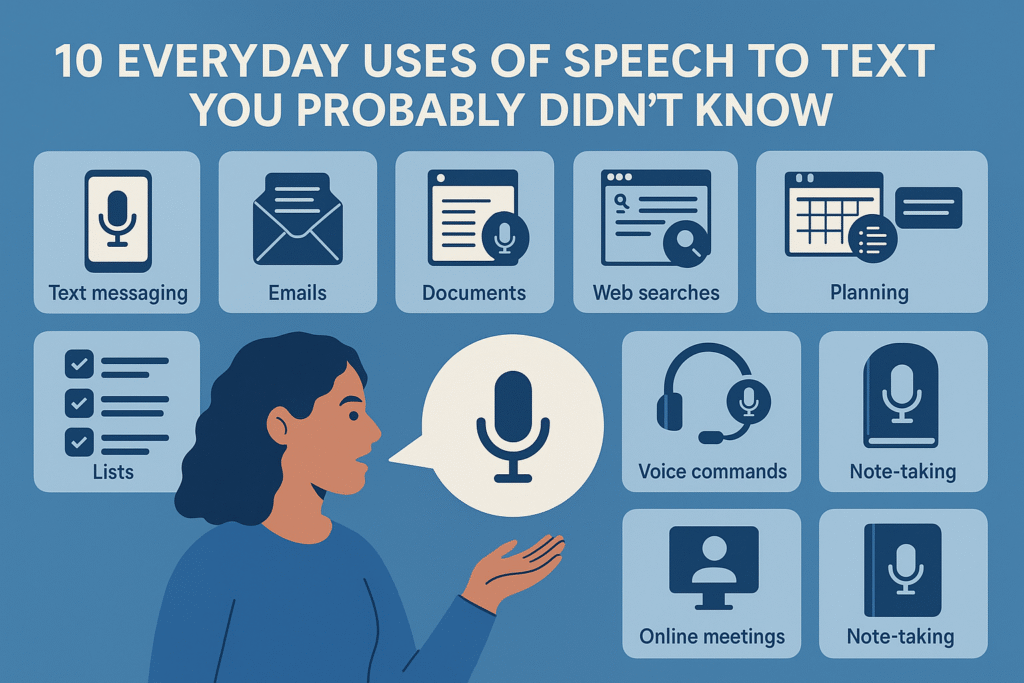
Have you ever felt tired of typing too much? Or wanted to write something but didn’t know how to spell it? Now, imagine a magical way to turn your voice into words on your screen. That’s what speech to text does!
Voice to text is a smart tool that listens to your voice and turns your words into written text. It’s fast, easy, and super helpful for kids and grown-ups too. If you’re doing homework, writing stories, or helping your parents, real-time transcription can save time and make life easier.
Let’s explore 10 fun and helpful ways you can use Voice to Notes in your everyday life. Some of these may even surprise you!
1. Finish Homework Faster
Homework can sometimes feel long and boring, especially when you have to write or type a lot. But with real-time transcription, you don’t need to type every word. You can just speak your answer out loud, and your words will appear on the screen.
This is super helpful when writing answers, essays, or even project work. You can finish your homework faster and still do a great job.
Example:
Instead of typing “The sun is the biggest source of light and heat for the Earth,”
Just say it aloud, and This will write it for you.
2. Write Stories by Talking
Do you like telling stories? Maybe you imagine being a superhero, going to space, or finding treasure. Instead of writing your story by hand, just talk about it! The automatic transcription tool will turn your story into words on the screen.
You can then edit it, add fun details, or share it with your teacher or friends. It makes storytelling fun and easy.
3. Send Messages Without Typing
Sometimes, we don’t feel like typing, or our hands are busy. What if you want to send a quick message to your teacher or friend?
Convert voice to text lets you speak your message and then copy it into your chat app. It’s quick and saves effort.
Example:
“Hi, ma’am, I have completed my homework and will bring it tomorrow.”
Say it once, and you’re done!
4. Spell Difficult Words Easily
Many times, we know how to say a word but don’t know how to spell it. Words like “elephant,” “necessary,” or “chocolate” can be tricky. But voice to text converter helps you by writing the correct spelling when you speak the word.
You’ll slowly learn how to spell tough words just by watching the screen.
5. Make a Shopping List
Let’s say your mom or dad asks you to make a list of things to buy. You don’t have to write it down. Just say the items, and this will create the list for you.
Example:
“Milk, bread, butter, bananas, eggs.”
You can save it or even print it. It’s quick, neat, and fun!
6. Remember Ideas Easily
Sometimes, we get good ideas—for a drawing, a science project, or even a poem. But we forget them later. Speech to text can help you save your ideas quickly.
Just open your app, say your idea, and it will turn into a note. You can look at it later and use it when needed.
A helpful app like SpeechToText.us is perfect for this. Just open the website, speak, and save your thoughts in one click.
7. Practice Speaking in English
Are you trying to speak better English? A speech recognition app helps you check if your words are clear and correct. If the tool writes what you say correctly, then you’re saying it well.
This is a fun way to practice pronunciation and grow more confident.
You can try saying sentences like
“The tiger is the national animal of India.”
“My favorite subject is science.”
And see if it types them correctly!
8. Make Class Notes After School
Sometimes, the teacher says things very fast, and it’s hard to write everything in class. Later, at home, you can speak what you remember and let AI transcription software write it down as notes.
You can read these notes before a test or save them as study material.
Voice to text tools are great study buddies—they help you focus on learning, not just writing.
9. Help Family Who Can’t Type
Some people in your family—like your grandparents—may not be able to type well. You can help them by using voice to notes for professionals. They can speak, and you show them their words written on the screen.
Whether it’s a message, a letter, or a note, they will love how easy it is!
This is also helpful for younger brothers or sisters who can’t type yet.
10. Create Fun Content Like Reels or Videos
If you like making videos or reels, you often need to plan what to say. Instead of writing a script word by word, you can just talk out loud and use speech to text to make your script.
This way, you can create faster and share your ideas with others. Many young creators use this method to plan their content without typing everything.
One smart tool for this is Speech-To-Text.us. It’s simple, quick, and doesn’t need any app to be installed. You just talk, and your words appear like magic!
Why Speech to Text Is So Helpful
Let’s look at some reasons why Voice to notes is so awesome:
1. Saves Time—No more slow typing
2. Easy to Use—Just talk, and it writes
3. Improves Spelling—Learn correct spellings
4. Boosts Confidence—Helps you speak more clearly
5. Good for Everyone—Kids, parents, and even teachers can use it
If you’re doing schoolwork, helping at home, or just having fun, speech to text can be your friendly helper every day.
Final Thoughts
Now you know—speech to text is more than just a tool. It’s a smart friend that listens to you and writes your words down. You can use it for school, family, fun, and even learning new things.
Next time you need to write something, try speaking it out loud and let your voice do the work.
And if you want to try one of the easiest speech to text tools, you can check out Speech-To-Text.us. It works on any device, it’s fast, and it’s perfect for students like you.
So go ahead—tap, talk, and watch your words appear like magic!

Leave a Reply